


procurement ai

v2.4.1 (sample RFQ)
Read every onboarding document, not just the ID
Extract and reconcile figures from supplier quotes, price lists and pro-forma invoices as they arrive. One platform to pre-fill RFQ forms, flag mismatched units while buyers review, and send clean line items to approvals.
Sample data only
Sample data only
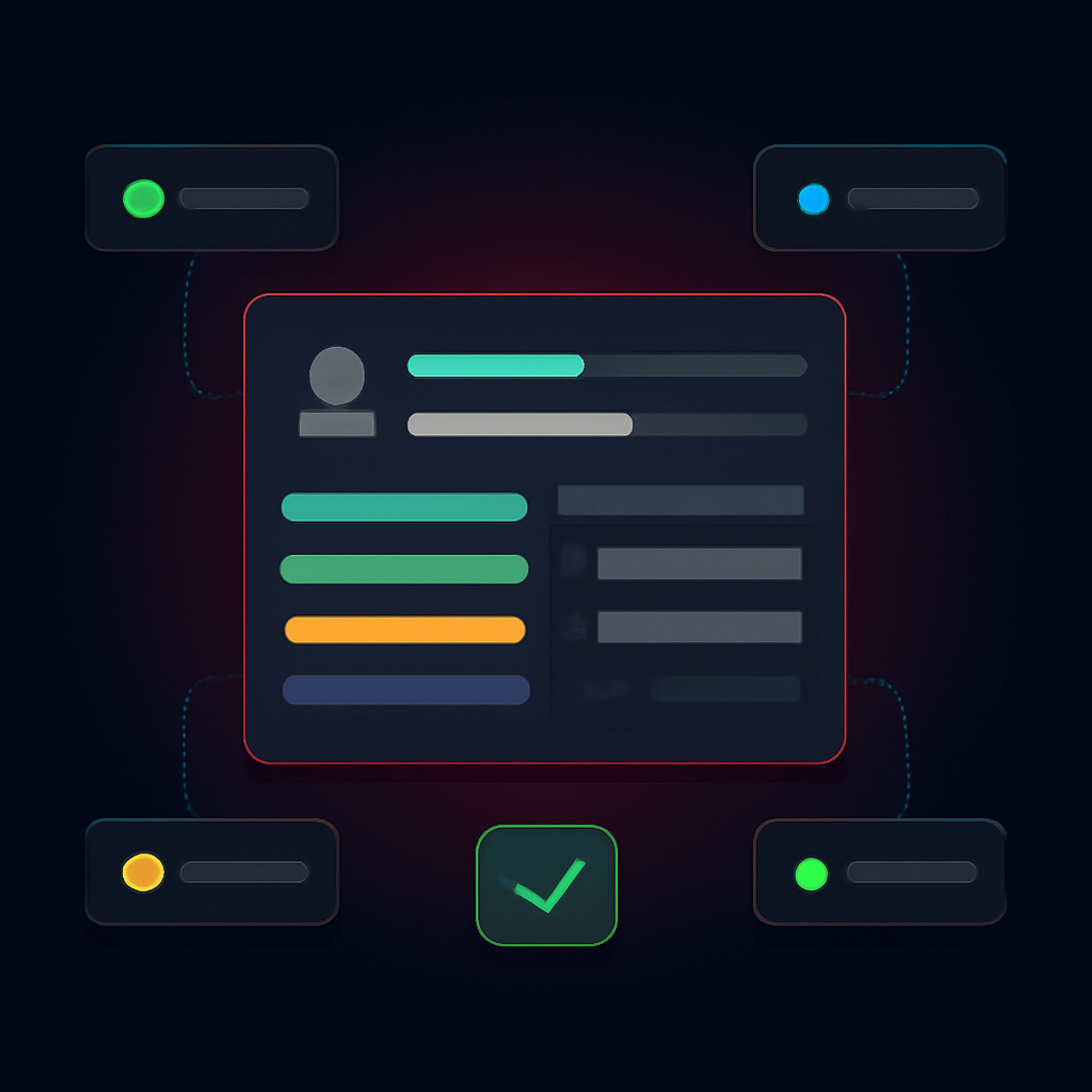
Every supplier quote checked by hand is a purchase delayed
Automated checks cover the header. Everything else, the unit prices, incoterms, payment terms and delivery notes, lands in a review queue. An unreadable scan, a currency that doesn’t match the RFQ, an outdated price list: each one sends the buyer back to step two, or to a rival supplier.

1
Issue RFQ
The buyer sends a request for quotation to its suppliers
2
Submit quotes
Bottleneck
Scanned PDF or wrong attachment: a resend is requested by email.
3
Manual check
Bottleneck
Quotes pile up in the purchasing inbox, read one by one.
4
Mismatch
Cross-checks
Bottleneck
Unit on the quote ≠ unit on the PO. Back to step 02.
5
Order approved
If the supplier hasn’t dropped out
Every supplier document, reviewed in one flow
klarank reads each supplier document automatically and pulls out the fields your team needs, ready to compare side by side.

Auto-sort supplier documents
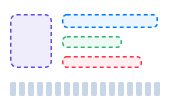
Trade licence
- Supplier name
- Contact names
- Quote date
- Licence number
- Valid until
- Country of registration
- Company type
- Head office
- Country of issue
- Date issued
- Issuing body
- Registered address
- Tax registration number
- Vendor code lines
- Company logo
- Authorised signatory
Purchase order
- Supplier name
- Contact names
- Order date
- PO number
- Delivery deadline
- Currency
- Approval status
- Ship-to location
- Trade terms
- Raised on
- Order type
- Item code line 1
- Item code line 2
- Approval stamp
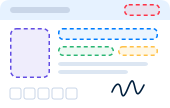
Delivery note
- Supplier contact
- Receiver names
- Delivery date
- Delivery reference
- Expected by
- Line item categories
- Warehouse address
- Dispatch point
- Check status
- Country or region of dispatch
- Dispatch date
- Carrier name
- Lot and batch dates
- Handling notes & codes
- Total weight
- Packaging type
- Packing photo
- Receiver signature

Pro-forma invoice
- Billing contact
- Full billing address
- Invoice date
- Invoice type (pro-forma, final, credit note, …)
- Issuing company
- Address line
- Postcode
- Town
- Country
- Billing period
- Invoice reference
Payment details
- Payee name
- IBAN
- BIC / SWIFT
- Paying bank
- Bank routing code
- Branch code
- Account no.
- Branch office
- Payee address
- Bank office address

Supplier statement
- Account name
- IBAN
- Paying bank name
- Period from
- Period to
- Starting balance
- Ending balance
- Line items (date, item, amount)
- Payee postal address
- Paying bank location
- Account reference
- BIC / SWIFT
- Statement issued on
- Total paid in
- Total paid out
- Currency
From supplier quote to an approved purchase decision, in five steps
How the procurement flow works: tag each incoming supplier document, pull out supplier, unit price, lead time and payment fields, reconcile units and incoterms, then send clean quotes into the ranking sheet and route mismatches to the buyer.

Gather
New RFQ or supplier bid with attachments

klarank Classify
Quote, price list, delivery terms, remittance

klarank Extract
Supplier, unit price, incoterm, lead days…
CHECK
{Your purchasing policy rules to check}
Reconcile

Clean quotes are ranked automatically
Supplier record created, payment terms ready for the purchase order

Exceptions to buyer
Route to buyer for approval
Pilot in minutes, then take it live through the API
Try the full quote flow with a no-code setup first. Once the results convince your purchasing team, connect the same extraction to your procurement system.
Step 1 : Pilot
Run a trial in a workflow tool
No coding, no IT request. Forward supplier files and review the extracted lines.

Supplier intake form
Trade licence, tax certificate, bank details

klarank Classify & Extract
Company name, licence number, VAT number, IBAN

Shared spreadsheet
One row per supplier, ready for approval.

Team chat
Flag missing or mismatched supplier certificates
Step 2 : Rollout
Connect the API to your ERP and purchasing workflow
Same extraction logic, now linked to your full procurement stack within a few days.
klarank docs
$ pip install klarank

Your supplier inputs

klarank API
Your ERP system
What changes for each buying function
Purchasing, finance and operations don't look for the same thing in supplier-quote projects. Here is what each of them gets.

3 functions · 1 platform

Systems
· IT leads, integration engineers
A quick, well-documented connection to your ERP, live in days, with no added system debt

Reliable infrastructure and capacity that grows with your supplier base.
Little effort : current guides and connectors for your purchasing stack
No month-end surprises : constant monitoring and alerts when price formats shift

finance & procurement
· CFOs, COOs, purchasing directors
Approve supplier comparisons faster and lower the cost of every purchase decision
Lower spend, tighter controls, healthier margins
Smoother rollout thanks to ready-made, no-code sourcing templates
Supplier data kept private : encrypted storage and role-based access
purchasing
· Category managers, buyers
Pull supplier details from a scanned quote and fix gaps before the RFQ goes out
- Fewer lines to re-key, more complete supplier returns
- Out-of-date price lists flagged as they arrive
- Unclear quotes sent to a reviewer, never left unanswered
Outcomes tracked by purchasing teams, on average
Purchasing teams that run supplier quotes through klarank spend less time comparing offers and approve orders faster. Here’s what shifts once quote checks run on autopilot: less manual comparison, more RFQs handled by the same team, and a quick route from first upload to live use.
Fewer
less time spent comparing supplier quotes
TIME PER RFQ - Before/After klarank
Hundreds
supplier quotes processed every month
Quote volume - last 6 months
1 week
from first quote upload to live use

Upload - connect - go live
Connect klarank to your purchasing workflow in minutes with SDKs and no-code tools
Start in minutes with our verified no-code connectors and no coding required, or link klarank into your ERP through our well-documented REST API built for developers. SDKs are available for Python, .NET, Node.JS, Java, Ruby and PHP.
Connections
Enterprise-grade safeguards
Our platform keeps supplier quotes and RFQ files protected with role-based access, so commercial data stays confidential at every stage of the approval process.

Regional hosting options available

Privacy-first data handling
Security hub
Common questions on supplier registration
Need a hand with something else? Our procurement team replies within one business day.
About klarank
What is supplier verification?
Supplier verification is how purchasing teams confirm that a new vendor is a real, registered business before it joins the approved list and is invited to quote. It usually means collecting a trade licence and tax registration, checking that the documents are valid and belong to that company, and screening the supplier against sanctions and watchlists. klarank handles the document step: it reads the paperwork the supplier uploads and returns the company name, registration number and contact details as structured fields. Your approval workflow then runs on consistent, verified data.
Which documents does a supplier need to provide?
Suppliers typically provide a trade licence, a tax registration certificate and a bank letter or recent bank statement to confirm their details. For higher-value or sensitive contracts, buyers may also ask for financial statements or a list of authorised signatories. Requirements vary by country, sector and risk level. klarank accepts all of these in one upload: it identifies each document type, extracts the relevant fields and lets you cross-check company names and addresses across the pack.
What is supplier onboarding, and can klarank help with it?
Supplier onboarding is the procurement equivalent of vendor vetting for companies. Before a new business is approved to supply you, you confirm it is legally registered and identify who owns and controls it. This usually involves company registration papers, the memorandum of association, ownership details and ID for each authorised representative. klarank pulls the key fields from these files, such as legal name, registration number, registered address, signatories and each person's details, so your team can build a complete supplier file without retyping data.
How can you speed up supplier registration?
Suppliers often abandon registration when the form asks them to retype details already printed on their documents, or when a file is rejected days later. With klarank, a supplier uploads a scan or PDF and the registration form fills itself in within seconds. Unreadable, cropped or expired documents are flagged straight away using confidence scores and expiry dates, so the supplier can fix the issue before leaving the form. Fewer fields and fewer email exchanges mean suppliers are approved sooner and quote requests go out faster.



Ready to register new suppliers without the email chase?
Capture and check company details, tax records and bank information as each supplier submits them. Try it on a set of your own onboarding forms in minutes.
Security & privacy
Sample data only