


procurement ai

v2.1 (trade teams)
Add receipt and invoice capture your users won't skip
Pull supplier, unit price, VAT and lead time from quotes, RFQ replies and price lists in real time. One platform to feed your purchasing, approval and ERP workflows, from uploaded file to a ready-to-approve comparison line.
Request a demo
No setup fee needed
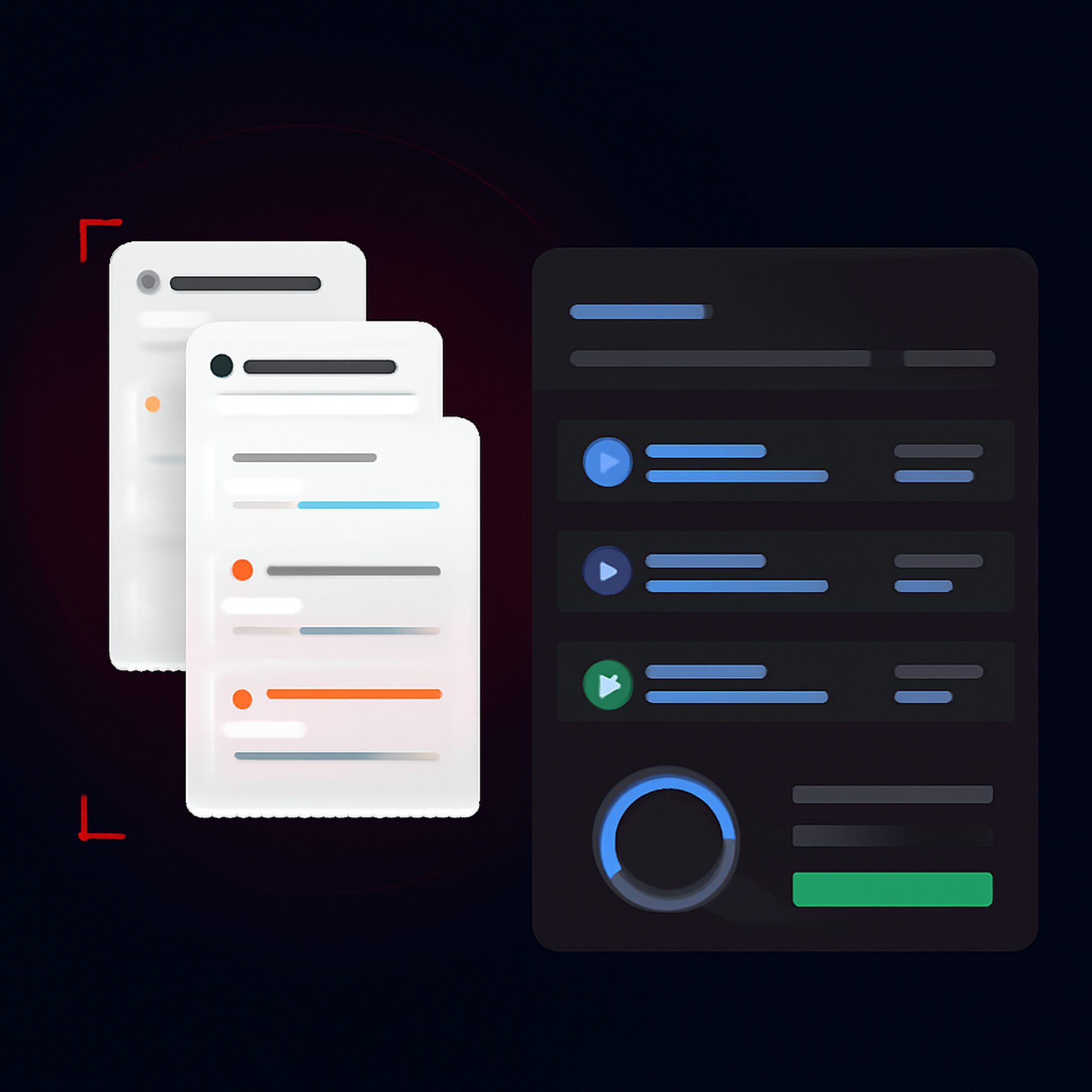
Every supplier quote handled by hand is a reason for delays
A blurry quote, a unit price keyed in wrong, a total that doesn’t match the RFQ reply: each one turns into a rework loop, a clarification email or a buyer who stops comparing suppliers.

1
Request
Your buyer sends an RFQ to several suppliers
2
Attach supplier replies
Bottleneck
Supplier, unit price, incoterm and lead days retyped from each quote, often at month end.
3
Manual comparison
Bottleneck
Your procurement team rechecks every line by hand before a purchase order is approved.
4
Mismatch
Reconciliation
Bottleneck
Quoted price ≠ PO value, or no supplier reply at all. The request goes back to the buyer.
5
Approved
Days later, if the buyer hasn’t already moved on to another supplier
Every supplier response your buyers upload, read in one pass
klarank identifies each quote and RFQ reply automatically and pulls out the fields your team needs, ready to be compared side by side.

Auto-sort procurement files

Supplier quote
- Supplier trading name
- Issue date
- Grand total
- VAT (rate, amount)
- Commodity group
- Sub-commodity
- Supplier head office
- Supplier contact line
- Supplier TRN / trade licence number
- Quote reference
- Valid until
- Priced line items
- Net subtotal
- Total VAT
- Freight charge
- Quote currency
- Origin country
- Document language

Pro-forma invoice
- Pro-forma number
- Pro-forma date
- Payment due date
- Supplier legal name
- Supplier registered address
- Supplier tax registration
- Supplier trade licence
- Supplier bank account
- Buyer name
- Buyer delivery address
- Buyer tax registration
- Purchase order & RFQ references
- Itemised lines
- Subtotal excl. VAT
- VAT (rate, base, amount)
- VAT total
- Amount payable
- Invoice currency
- Settlement terms
- Document kind (pro-forma / credit memo)
From supplier upload to an approved purchasing process, in five steps
The flow your team can run on every supplier quote: classify it, extract the line items, match them to the purchase order, check them against your procurement policy, then pre-approve them or send them for review.

Capture
Quote uploaded in your portal or forwarded by email

klarank Classify
Supplier quote, RFQ reply, pro-forma invoice

klarank Extract
Supplier, unit price, quantity, incoterm…
CONFIRM
{Your procurement rules to check}
Cross-check

Clean data goes straight through
Line items pre-filled, ready for a purchase order or export to your ERP

Exceptions escalated to a buyer
Flag for buyer review
Set up a purchase approval flow in minutes, then connect it to your ERP
Test the full quote-to-approval flow with a no-code scenario first. Once your buyers are satisfied with the results, connect the same logic to your purchasing system.
Step 1 : Pilot
Run a proof of concept in a no-code automation tool
No code, no IT ticket. Send supplier quotes and see klarank read them.

Shared cloud folder
Drop a batch of your own supplier quotes

klarank Quote Extract & Rank
Supplier, line items, unit prices, incoterms, lead days, payment terms

Spreadsheet
One row per supplier quote, with price-match and approval-threshold flags

Extraction summary
Line-item accuracy measured on your own supplier quotes
Step 2 : Rollout
Connect the platform to your purchasing workflow
The same logic, the same ranking, linked to your whole purchasing system within a few days.
klarank docs
$ pip install klarank

Your supplier inboxes

klarank platform
Your ERP system
What changes for each buyer group
Purchasing, finance and operations don't assess supplier quotes the same way. Here is what each of them gets.

3 teams · 1 workspace

Systems
· IT leads, Integration devs
A clear, well-documented interface, running in days, with no added integration debt

Reliable infrastructure and capacity that grows with your volume.
Little upkeep : current guides and connectors
No live-sheet surprises : ongoing checks and format-change alerts

finance & procurement
· Owners, CFOs, COOs
Roll out quote intake as routine, not a project, with a predictable cost per supplier file
Lower spend, tighter controls, healthier margins
Smoother rollout thanks to ready-made, no-code templates
Data kept secure : role-based access and audit trails
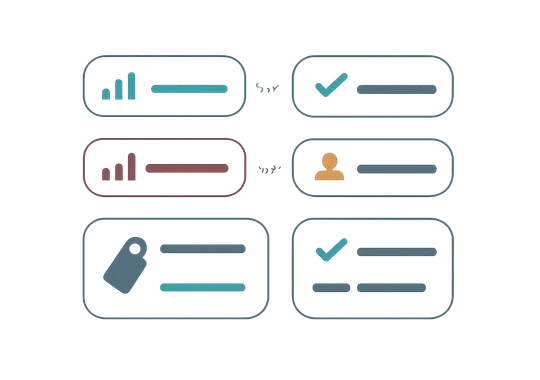
sourcing
· Category managers, Buyers
Make quote comparison the step buyers rely on in their daily work
- Line items filled in seconds after upload
- Several quotes in one PDF, split apart automatically
- Unclear lines sent to a buyer for review, never left hanging
Outcomes reported by purchasing teams
Procurement and spend teams use klarank to pre-fill purchase lines straight from a supplier quote. Here is what changed for one buyer: fewer manual checks on incoming quotes, faster sign-off on approvals, and a quick move from pilot to everyday use.
Fewer
less time spent checking supplier quotes
TIME PER QUOTE - Before/After klarank
Hundreds
supplier quotes processed every month
Quote volume - past 6 months
two weeks
from first connection to daily use

Pilot - connect - go live
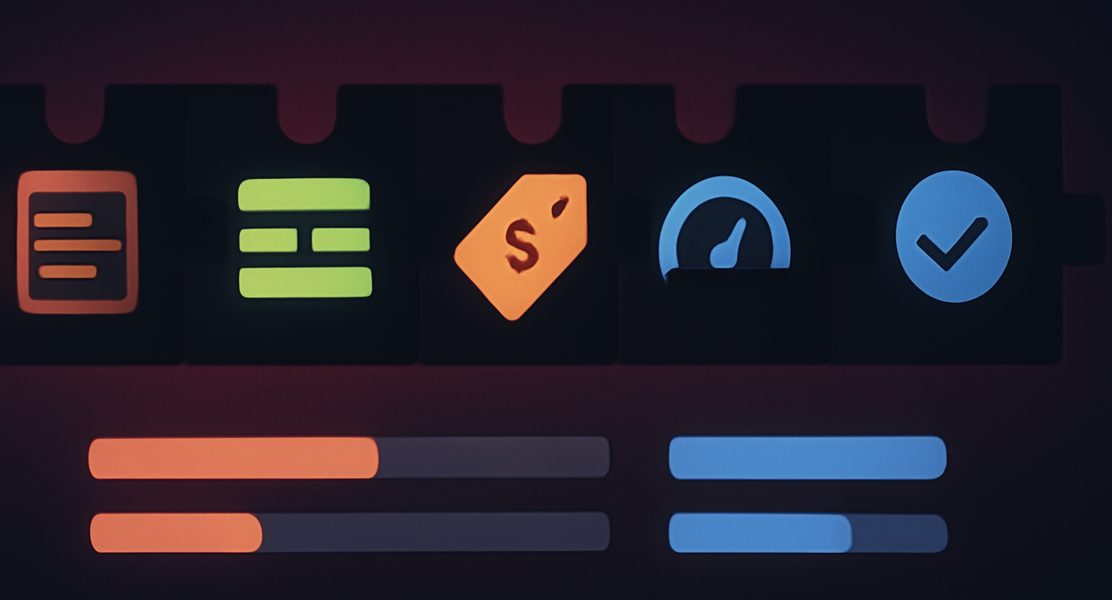
Connect klarank to your purchasing workflow in minutes with SDKs and no-code tools
Go live within minutes using our verified no-code automation connector, with no coding required, or plug in directly through our clearly documented REST API built for engineering teams. SDKs available for Python, .NET, Node.JS, Java, Ruby, PHP.
Connections
Built for sensitive procurement data
Our platform runs on hardened cloud infrastructure with strict access controls, so your supplier quotes and pricing data stay protected at all times.

Choose where your data is hosted: EU or US

Privacy-first data handling
Trust and security hub
FAQ on this procurement scenario
Can't see your answer? Our team replies within one business day.
About klarank
What does purchase approval involve?
Purchase approval is the process a company uses to review, authorise and release spending on goods and services, such as raw materials, equipment, logistics or maintenance. It covers collecting supplier quotes and RFQ responses, comparing them against the approved budget and vendor policy, routing them to the right approvers, issuing purchase orders and matching deliveries and invoices. Quote intake is often the slowest step for buyers. klarank extracts the line items from each quote in seconds, so the rest of the workflow can move on without manual re-keying.
How do you automate purchase order approvals?
Buyers upload a supplier quote or RFQ reply as soon as it arrives, whether it is a PDF, an email or a scan. klarank extracts the supplier, unit price, incoterm, lead days and payment terms, and creates a comparison line automatically. If the request matches an open purchase order or contract, it is linked using the item code, quantity and supplier. Budget and vendor-policy checks then run automatically, such as spend thresholds or missing quotes, before the ranked sheet is routed for approval and sent on to the ERP. Buyers no longer retype quotes each week, and finance receives consistent, comparable data.
Do you still need signed paper quotes, or are digital copies enough?
In many markets, including the UAE, digital copies of supplier quotes are generally accepted for procurement records, provided they are complete, legible and kept securely for the required retention period, often several years. Rules differ by jurisdiction and by sector, so confirm them for each country where you buy. An email thread alone is often not enough, because it may not show the agreed terms or the final unit price. klarank extracts those details from the quote file, so you keep a structured, searchable record next to each original document.
How can companies prevent procurement fraud?
The most common procurement fraud patterns are submitting the same invoice twice or under two supplier names, altering unit prices or quantities, splitting orders to stay under approval limits, and paying for goods already delivered. Because klarank extracts the supplier, date, item code, quantity and unit price from every quote and invoice, it can automatically detect duplicates across all suppliers, compare each invoice with its purchase order, and flag orders placed outside working hours, outside approved vendor lists or above policy limits. Finance teams can then focus reviews on the few items that need attention, rather than checking every document.



Ready to rank supplier quotes your buyers actually use?
Try klarank on a batch of your own supplier quotes in minutes, then link the same flow to your ERP.
Audit trail & approval-ready
Sample data only